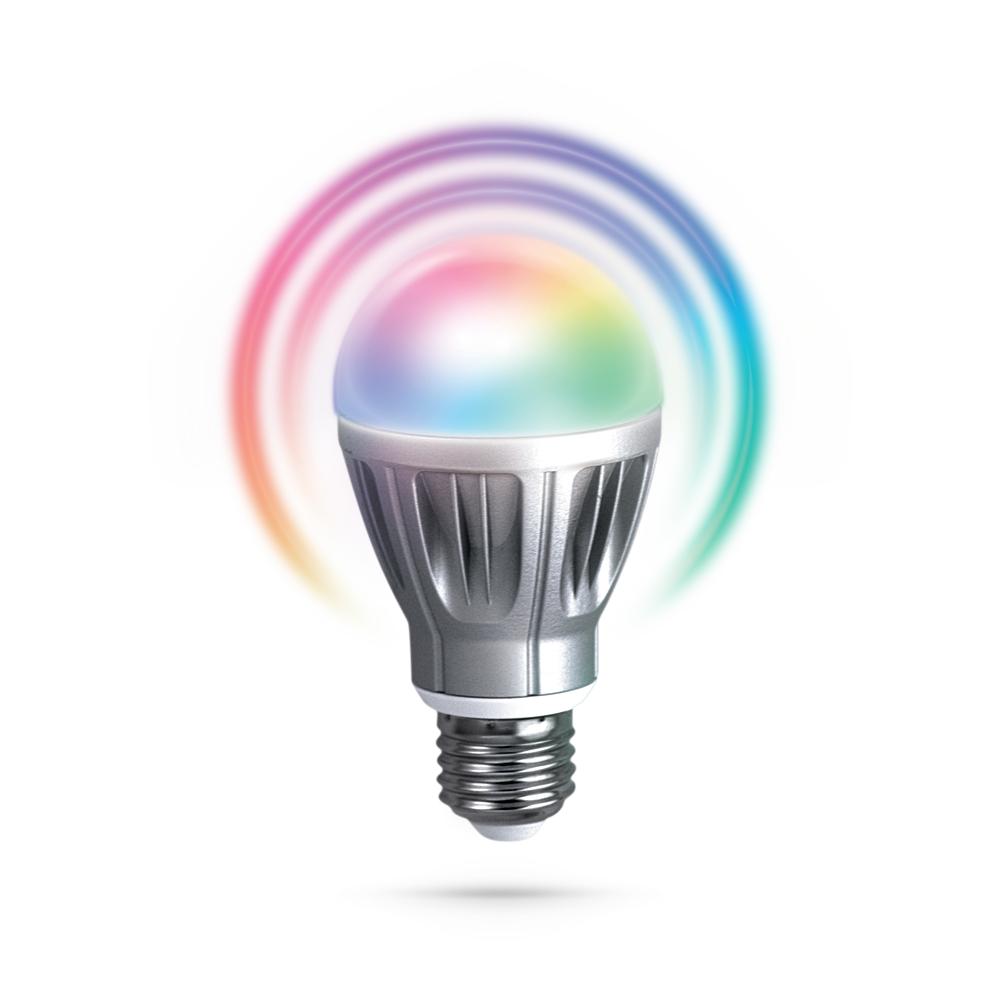
Zipato RGBW bulb - How to add?
- Screw the Zipato RGBW bulb in standard E27 socket
- Turn ON your wall switch
- Log in into Zipato Control Center
- Go to the “Device manager” button on the left sidebar
- Press “Add new device” button
- Please find and choose Z-Wave network protocol
- Exclude (reset) of the device before inclusion (always good prior inclusion process) - Activate exclusion mode of the RGBW bulb by GENTLY TAPPING the bulb
- Include the device - Activate inclusion mode of the RGBW bulb by GENTLY TAPPING the bulb
- Automatic synchronization of data between your Zipato Controller and Zipato Cloud Server will be done
- Congratulations your Zipato Door/Window Sensor has been added successfully
Tutorial: