User - Add a member to the system
Component:
- User
Process:
- Select System
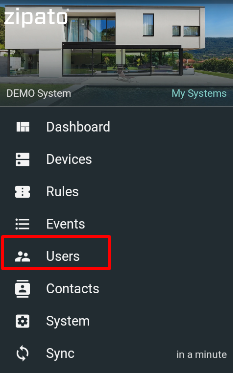
- From the main menu select "Users"
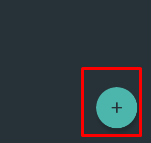
- . Click on the Add icon in the lower right corner
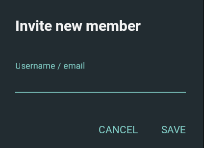
- Input the users e-mail address (already registered on the Zipato platform or a new one)
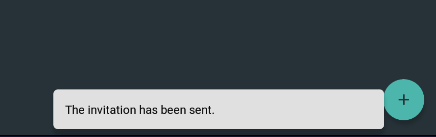
- Confirmation message is issued
NOTE: When invited user opens this system, user will be added to the System's user list