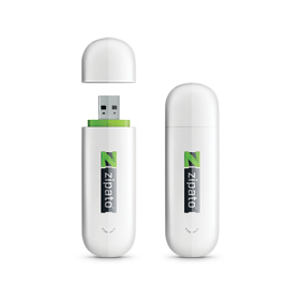
Zipato 3G USB Stick - Installing and configuring
- Connect 3G stick to USB port of the Zipato Security Module, Backup Module or Serial Module
- Log in Zipato “Control Center”
- Click on “Zipabox settings” on the left sidebar
- Fill in 3G Backup fields in "Zipabox settings"
- Save everything
- Synchronize changes by pressing the“Synchronize” button on the left sidebar