User - Create a user account
Component:
- User
Process:
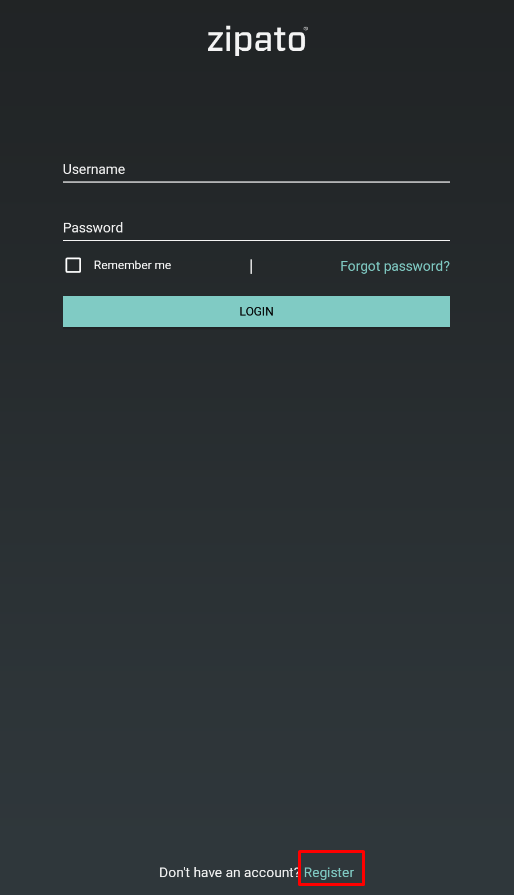
- Start the Zipato App and click on the register button at the bottom of the login screen
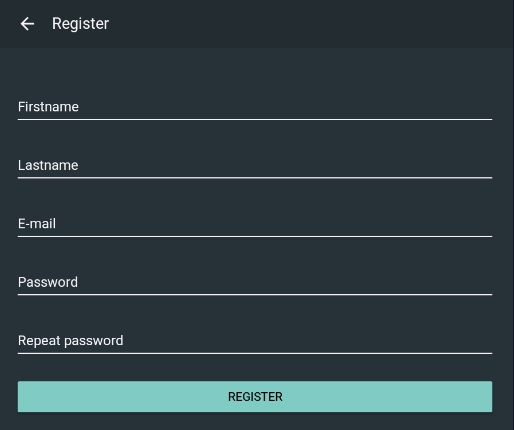
- Enter your data (all data is required) and click on the Register button
NOTE: Account name will be your e-mail address
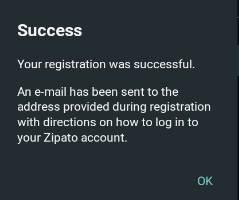
- If registration was successful, an e-mail will be sent with instructions on how to log in to your zipato account.
NOTE: If account (e-mail) is already registered, an error message will be issued
NOTE: It is not possible to change e-mail assigned to the account, only the password.