System - Redeem Zipacoin coupon
Component:
- System
REMARK:
Licenses for additional features/products are related and bound to the System not to user/server.
Process:
- Select the system
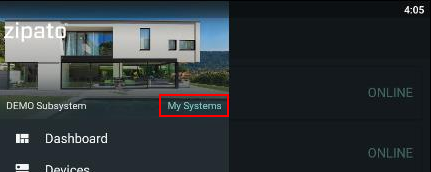
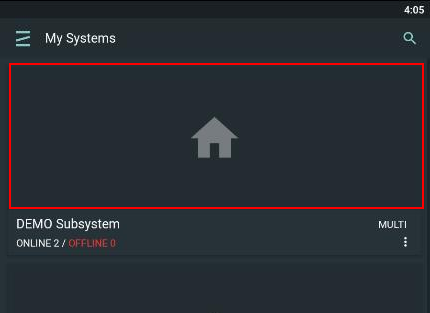
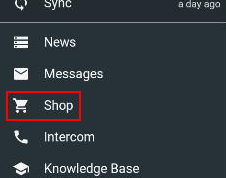
- Go to Shop, then Wallet and select option to redeem code:
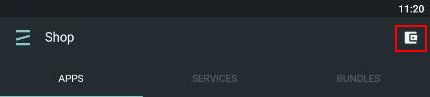
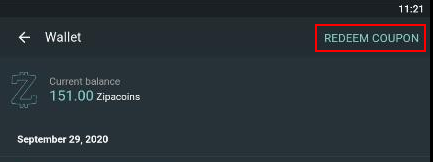
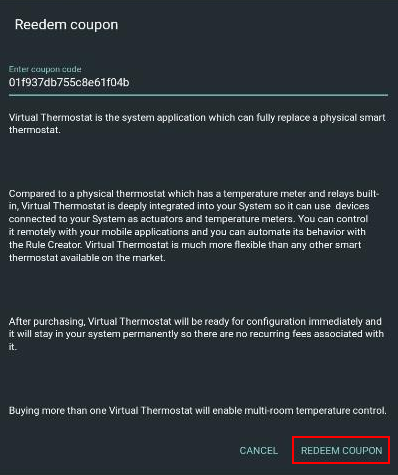
- Enter the previously purshased coupon code and press ' SHOW'
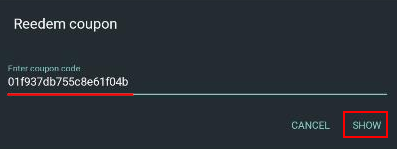
- Short product description is displayed. If it corresponds to the purchased product (in this case Virtual Thermostat PRO) click 'REDEEM COUPON".