Virtual alarm - create virtual alarm partition
Component:
- Virtual alarm
Process:
NOTE: Basic Virtual alarm doesn't requires license and it doesn't support adding external siren into alarm, creating entry/exit delays, Cross zoning and Healt care mode parameters
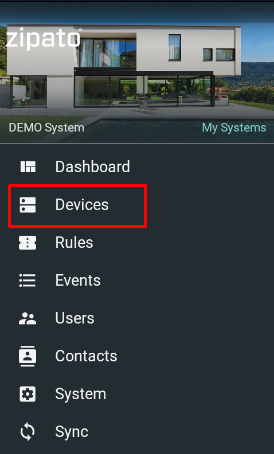
- Select "Devices" from the main menu
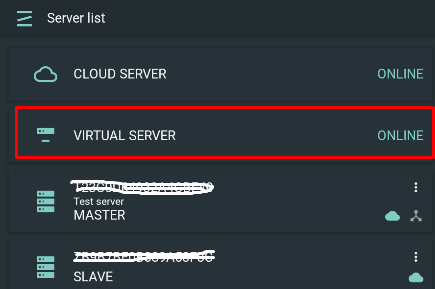
- Open Virtual Server card under Server list:
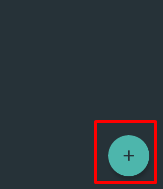
- Click Add ("+") icon at the lower right corner
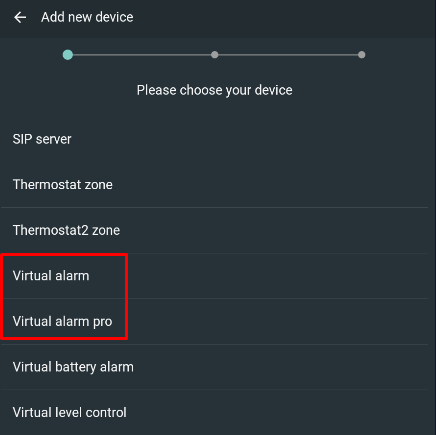
- Select "Virtual alarm/ Virtual alarm pro" under adding virtual device selection menu:
- Open Alarm device screen
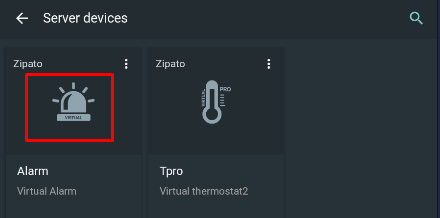
- Open alarm settings menu and select Configuration
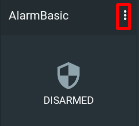
NOTE: Use default PIN to open Alarm Settings screen
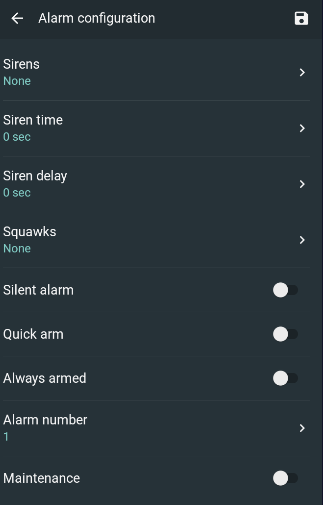
6A - define basic alarm parameters
6B - define alarm PRO parameters
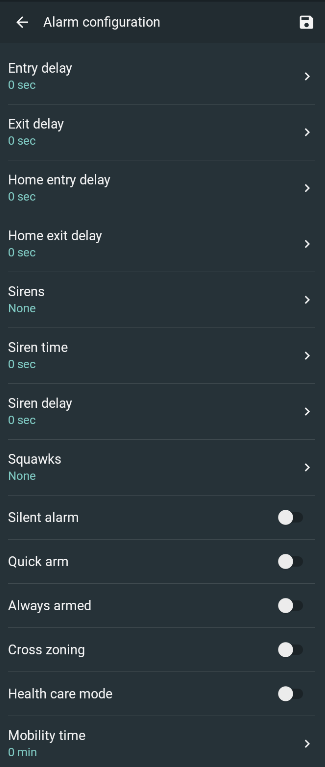
NOTE: See below a definition of alarm parameteers
- Click on alarm widget and Zones button in order to create alarm zones
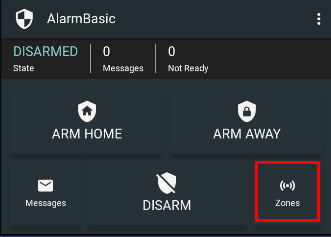
- Click Add icon to add new alarm zone and define its parameters
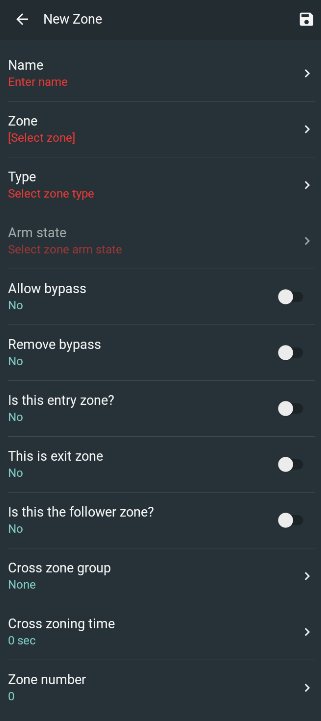
NOTE: Zone's parameters are the same for basic and pro alarm partitions