Virtual thermostat - create Thermostat2 zone
Component:
- Virtual thermostat
Process:
NOTE: Virtual Thermostat2 zone doesn't require license and it requires using of one or more Thermostat devices. All output heating/ cooling devices and Thermometer(s) are defined automatically regarding selected Thermostat device(s) so user doesn't need to define it additionally.
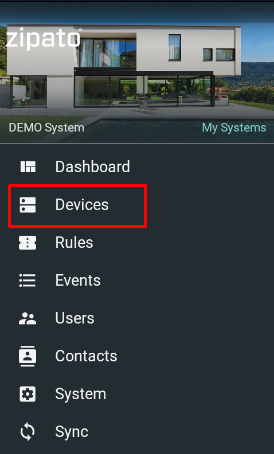
- Select "Devices" from the main menu
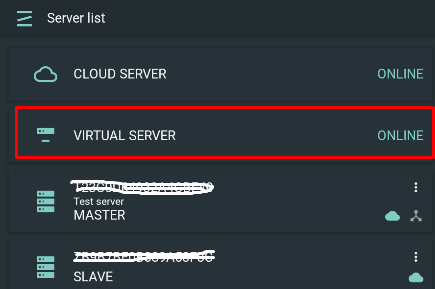
- Open Virtual Server card under Server list:
- Click Add ("+") icon at the lower right corner
- Select "Thermostat2 zone" under adding virtual device selection menu:
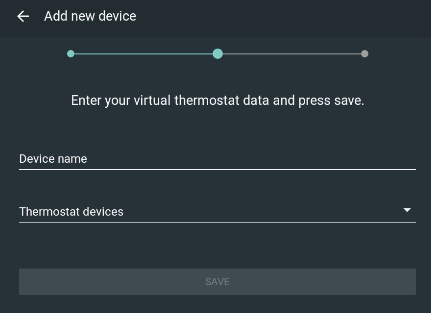
- Define Device name and select real Thermostat device already included into System:
- Open Thermostat2 zone Device widget:
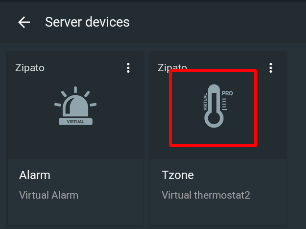
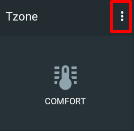
- Click three dots at upper right corner of the ability widget to setup configuration
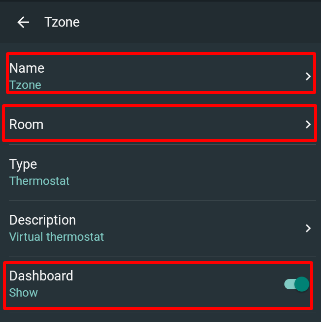
- Define settings of its ability - Name, assign to Room, hide from Dashboard
- Configure Thermostat by its Scheduler, Devices, Modes and Configuration:
9A - Scheduler:
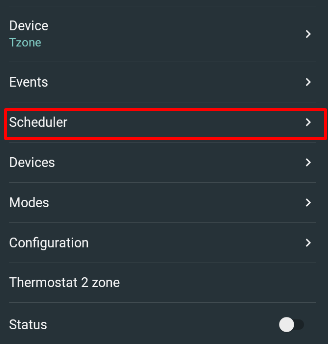
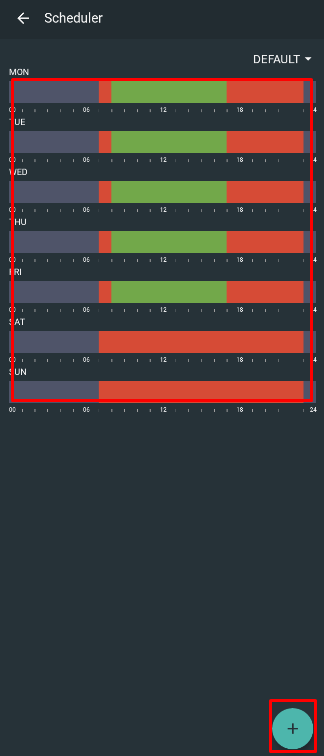
- Scheduler defines active Thermostat Modes during every weekday and holiday:
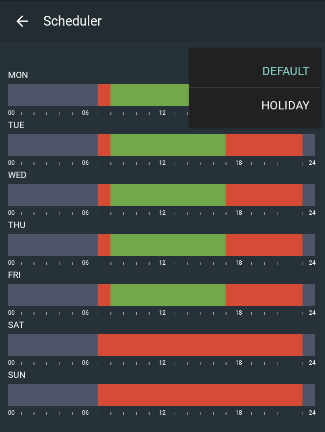
- to change Scheduler either click on scheduler bar or click Add icon at the lower right corner
9B - Devices:
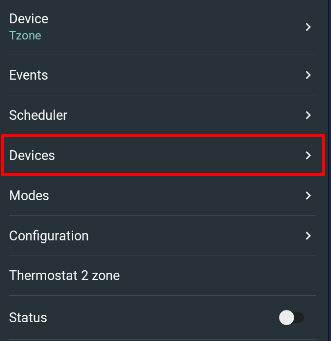
- add or removve Thermostat device(s):
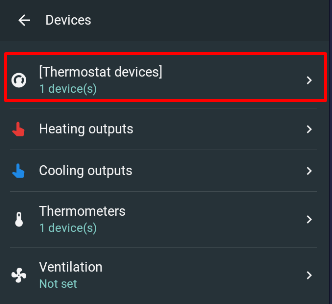
- added Thermostat device at Step 5 is already assigned and shown with its operational modes (heating/ cooling). Those operational modes define virtual thermostat outputs (heating/ cooling output).
NOTE: it is not possible to add additional output devices
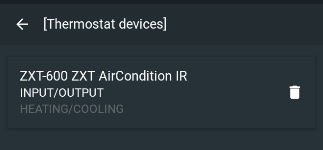
- to add Thermostat device, click on Add icon at the lower right corner and select already included Thermostat device from the device list
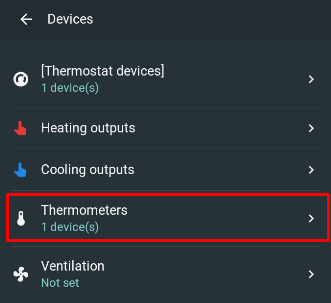
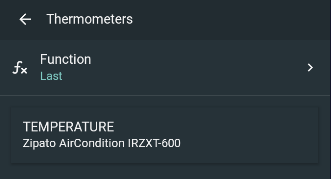
- Thermometer is defined by default and assigned to the selected Thermostat device(s).
NOTE: It is not possible to add additional Thermometer - there is no Add icon at the lower right corner
9C - Modes:
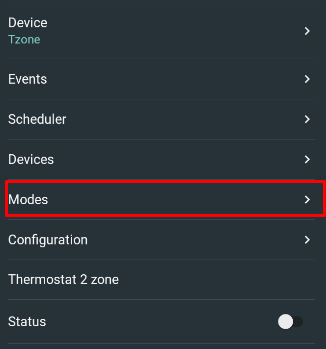
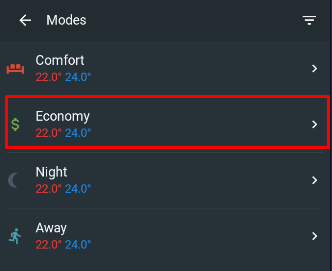
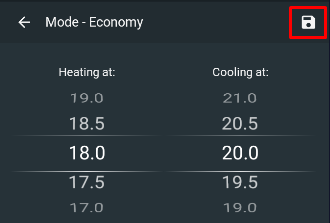
- click on each Mode and define its heating/ cooling setpoints
- to confirm changes, clisk on Save icon
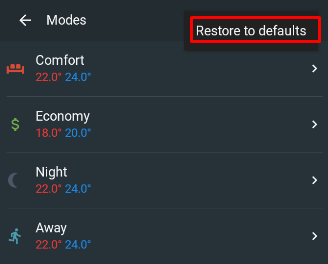
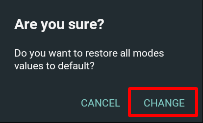
- to reset Modes to the defualt values click on icon at the upper left corner and confirm by Change button
9D - Configuration:
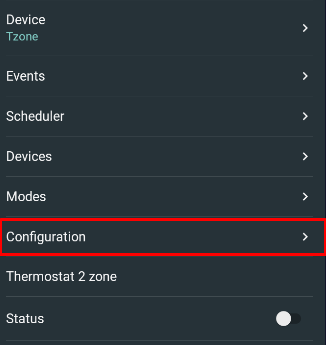
-
define the following parameters:
- Temperature step - temperature step of termometer data
-
Stage difference (if supported by Thermostat device) - diference at each stage (up to 3 heating and 2 cooling satges)
-
Hysteresis - up to 2 degC
-
Minimum/ Maximum setpoint - min/ max limits of the setpoint wheel
-
Setpoint step - step of the setpoint wheel
-
Difference between heat/cool - diiference in deg between heating and cooling setpoint
-
Compressor protection delay (if supported by Thermostat device) - delay in seconds in starting compressors when changing between heating/ cooling modes
-
O/B relay logic reverse (if supported by Thermostat device) - O/B terminals for heat pump systems and is used for the reversing valve. By default: O/B off for cooling