Virtual thermostat - add Thermostat PRO license
Component:
- System
REMARK:
Licenses for additional features/products are related and bound to the System not to user/server.
General license activation is desctibed at Wallet - Activate license
Process:
- Select the system
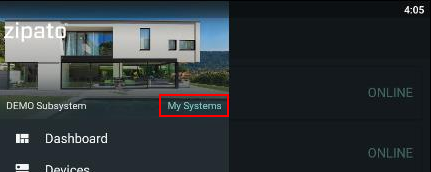
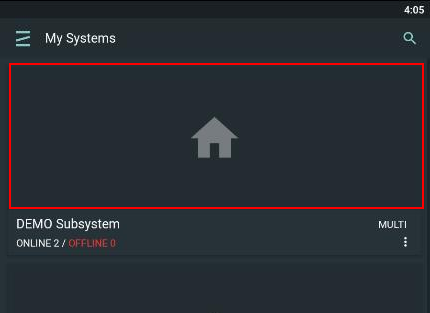
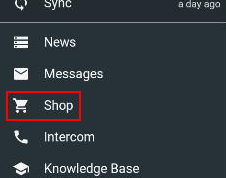
- Go to Shop, then Wallet and select open Apps tab to select Smart thermostat PRO license
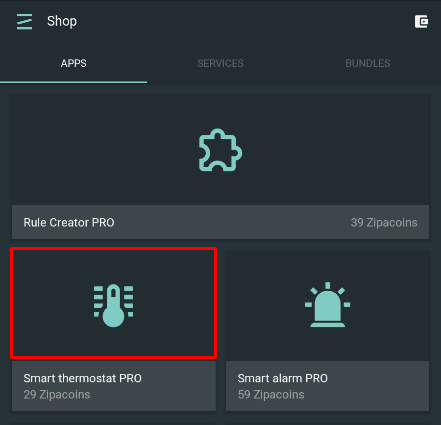
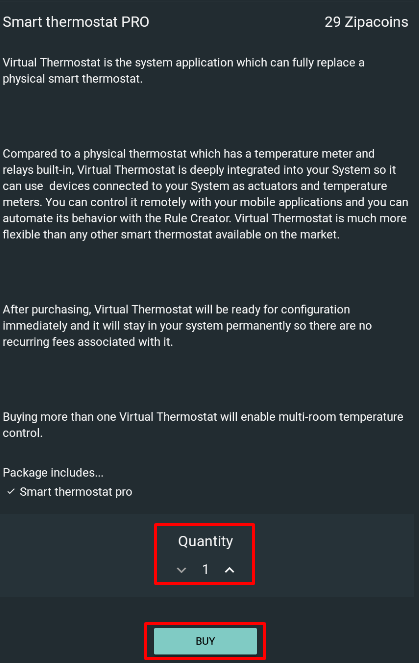
- Check its descripton and scroll down the botton of the page to select Quantity. Press Buy button
- If there is not enough Zipacoins, please check:
- how to buy Zipacoins: Wallet - buy Zipacoins
- how to redeem Zipacoins coupon: Wallet - Redeem Zipacoins coupon