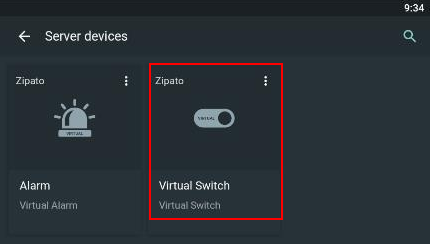
Device - Adding a virtual device
Component:
- Device
Process:
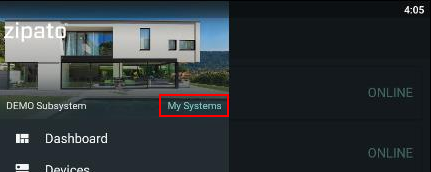
- Select the correct system (if there is more than one).
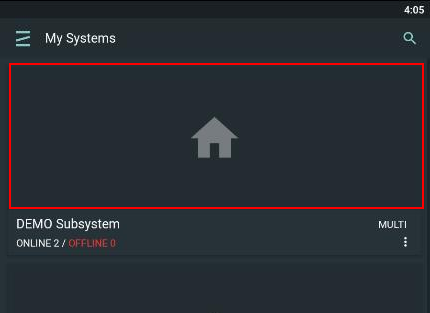
- Select the respective server - Virtual server
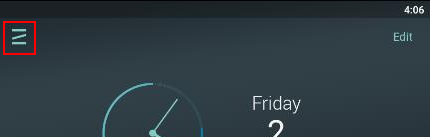
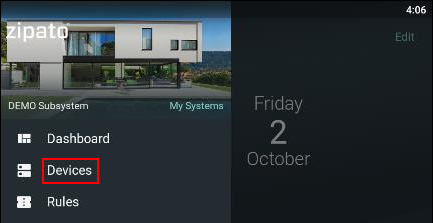
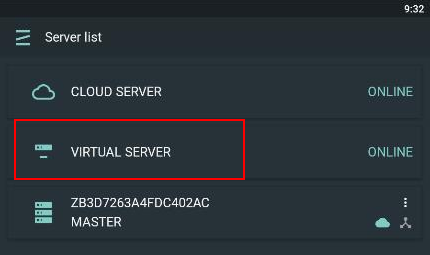
- Click the "+" icon to start adding new virtual device

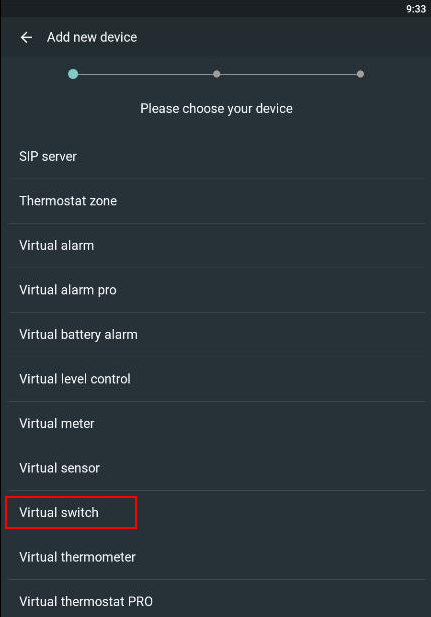
- Select the virtual device type
- Define a name for your virtual device
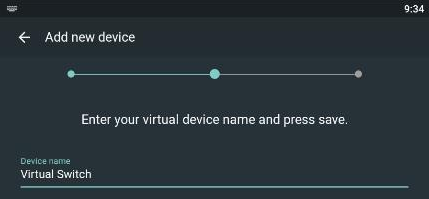
- Save changes

- After the procedure is done device will be visible in the Server devices list