Dashboard - add new type
Component:
- Dashboard
Process:
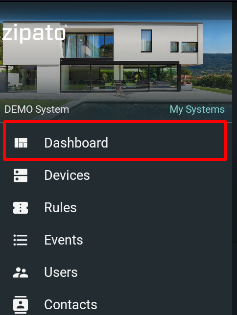
- Open Dashboard
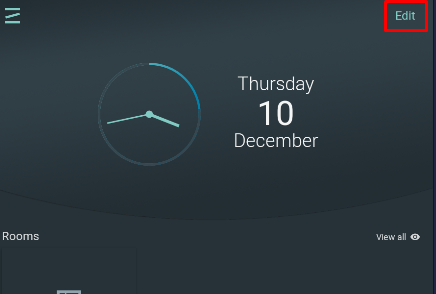
- Click Edit (upper right corner)
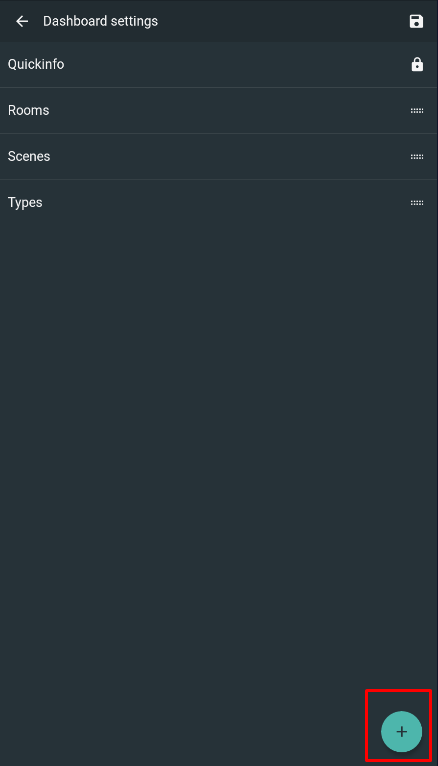
- Click the "+" icon in the lower right corner
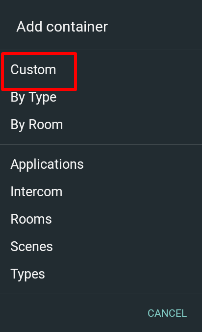
- Select Custom option from the Add container list
- Select widgets from a list (several of them) and click Next
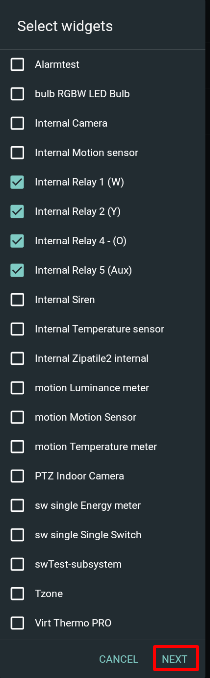
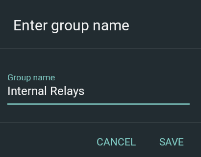
- Enter group name (for example Internal Relays) ane click save button
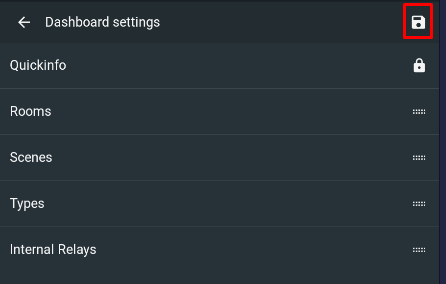
- Click Save button at upper right corner
- Check newly created Group in the Dashboard
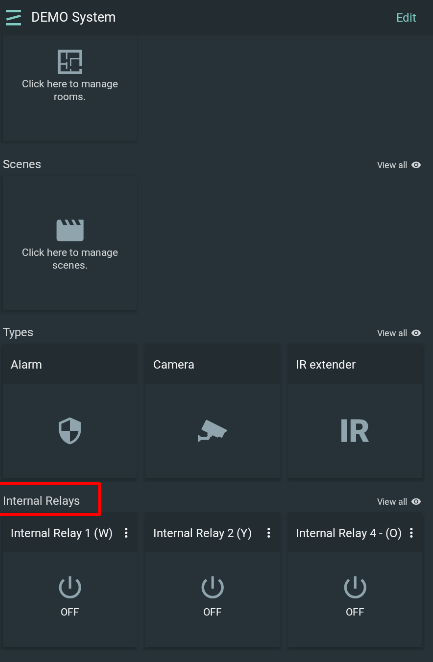
- Click View all button to edit its Dashboard representation of the newly created group
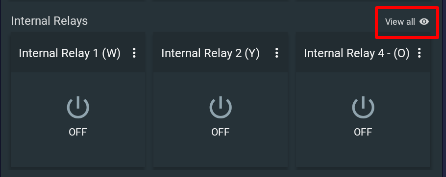
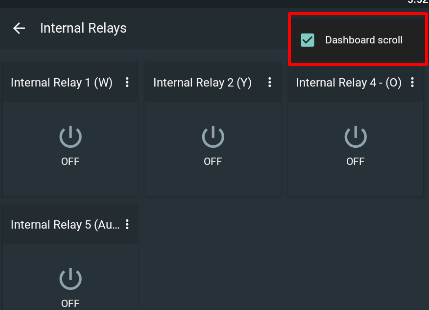
- Press three dots at the upper right cornet to open pop-up menu and disable/ enable Dashboard scroll option (Dashboard scroll enabled = show all devices in one row)
NOTE: Rooms, Scenes, Types and Intercom and predefined widgets and it is not possible to edit them.