Automation - Create a room
Component:
- Automation
Process:
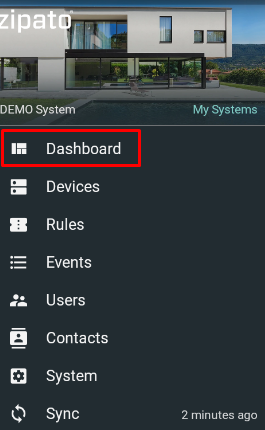
- Select "Dashboard" from the main menu
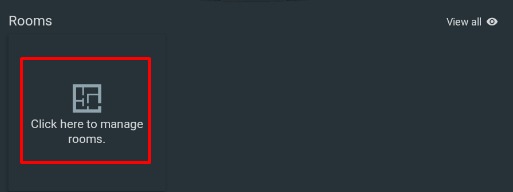
- Click on the room widget to add new room
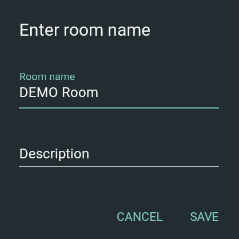
- Click the "+" icon in the lower right corner to add a new room and define its name (mandatory) and description (optional)
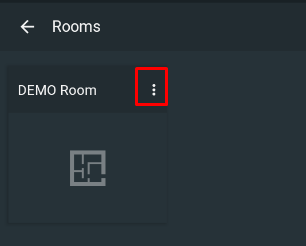
- Click on the room settings to edit its inputs (name/ devices/ photo) or to delete the room
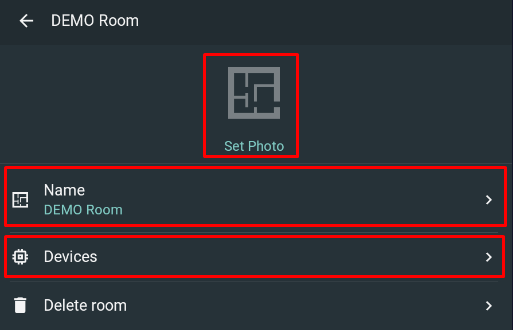
- Select "Devices" and click the "+" icon in the lower right corner to assign new device
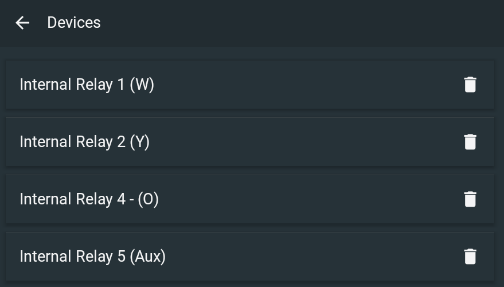
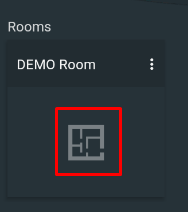
- Click on the room widget to see all devices assigned to the room
- To add another room click on the "Rooms" title and then click "+" icon in the lower right corner to add new room
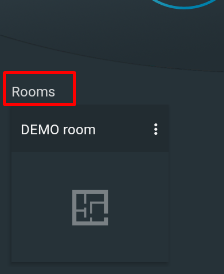
NOTE: To edit room data click either on the 3 dots in the widget or on gear icon in the room details screen