Wallet - Activate license
Component:
- Wallet
Process:
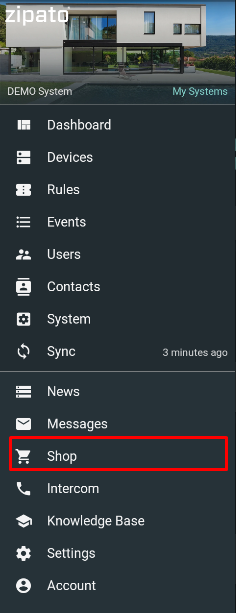
- Open Shop menu
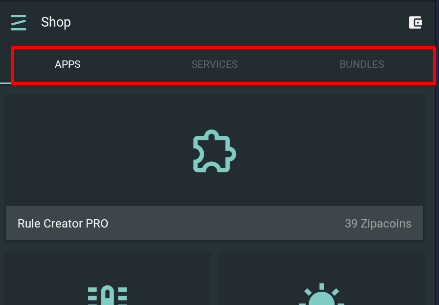
- Open Apps / Services / Bundles tab
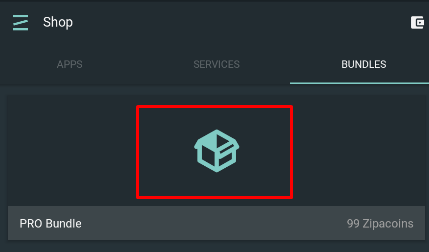
- Click on appropriate Product/ Service/ Bundle widget
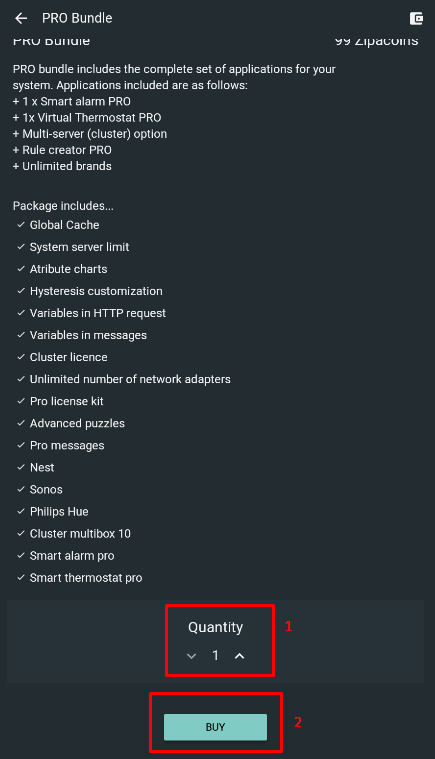
- Check its descripton and scroll down the botton of the page to select Quantity. Press Buy button
4a. If there is no enough Zipacoins in th euser's wallet, the following message wil lbe issued
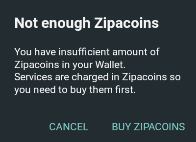
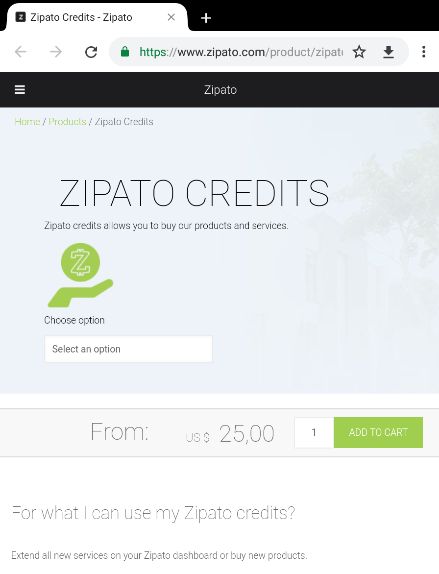
4b. Press Buy Zipacoins button to open web site (https://www.zipato.com/product/zipato-credits) where Zipato credits (Zipacoins) can be purchased:
- If there is enough Zipacoins in the user's wallet, selected Product/ Service/ Bundle will be applied to the selected System
NOTE: Zipacoins balance is applied to the user's account but license is applied to a System. So this procedure must be done under selected user's System.