System - Add a server (controller)
Component:
- System
Process:
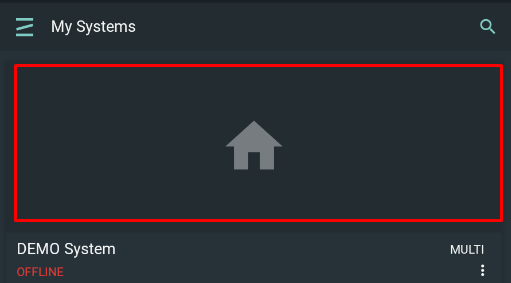
- Select your System by clicking on its widget under the My System screen
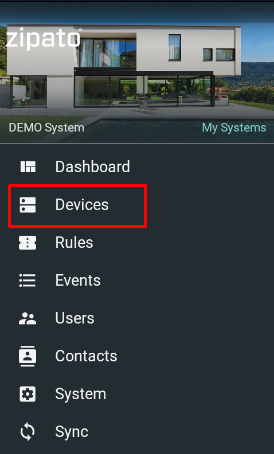
- Select Devices from the main menu
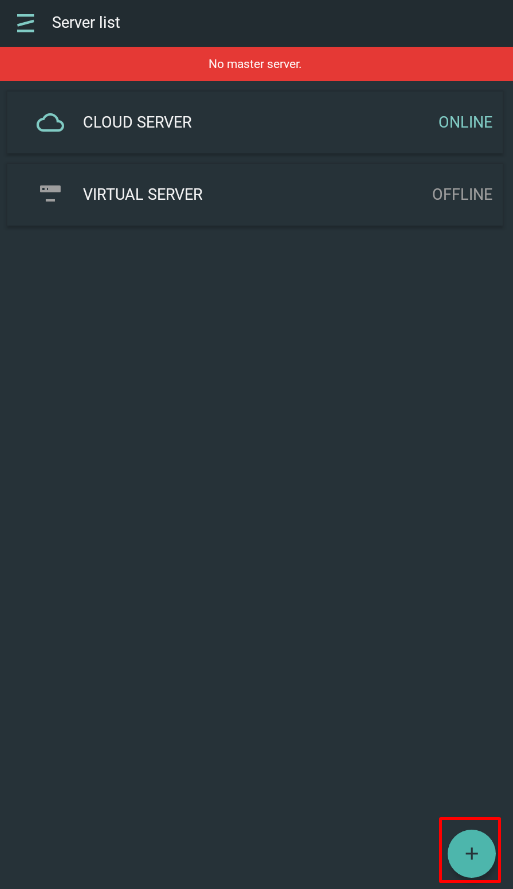
- Click Add icon at the lower right corner
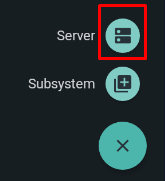
- Select Server icon
- Enter controller serial number
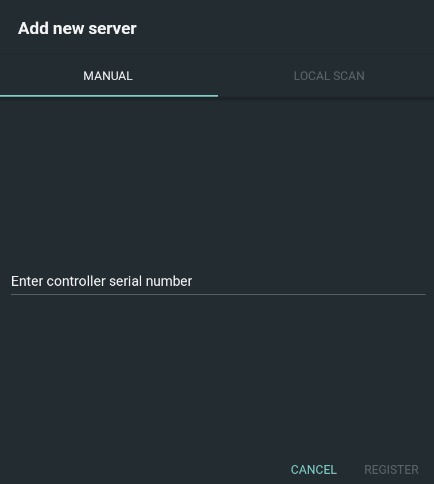
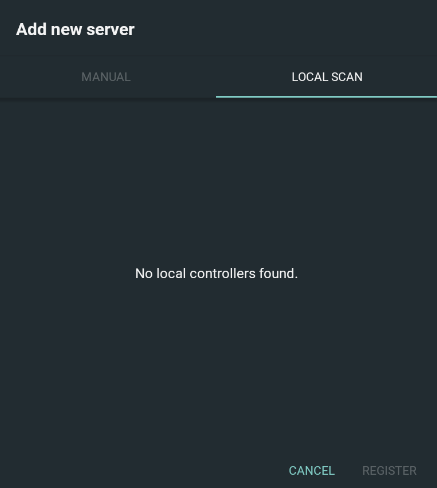
5a. Under Local Scan tab, all Zipato controllers which are in the same network will be shown
- New server is added
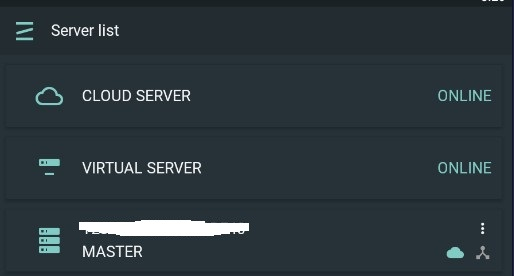
There are two types of server - Master and Slave.
Master server: Firstly added server and it is required for the functionality of the System. Eash System must have Master server which is a host server fot the virtual server of the System.
Slave server: Multiserver license is requried which enabled up to 5 servers in the System. Slave server must be in the same network with the Master server in order to enable rules with its devices.