Wallet - Redeem Zipacoins coupon
Component:
- Wallet
Process:
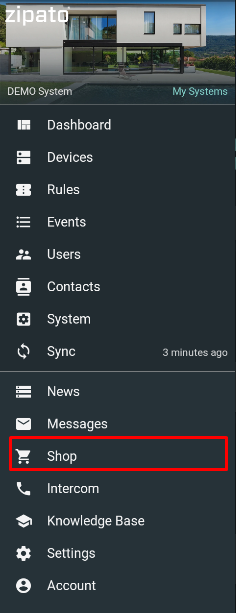
- Open Shop menu
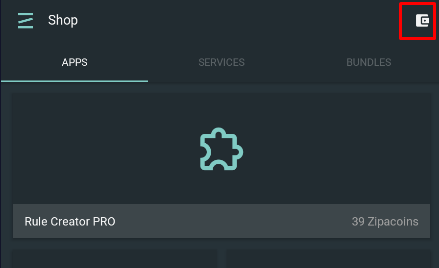
- Click to Wallet icon at upper right corner
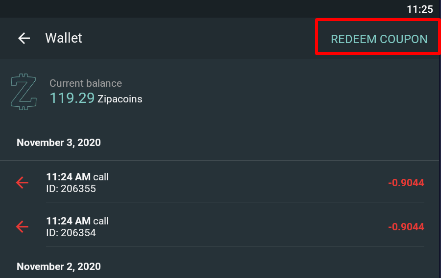
- Open Redeem Coupon option at upper right corner
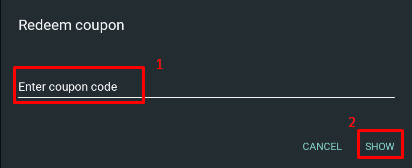
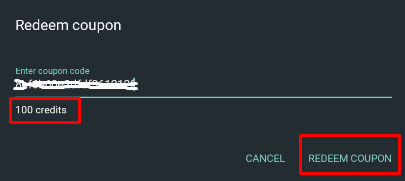
- Enter coupon code which is received at buying Zipato Credits at https://www.zipato.com/product/zipato-credits. Press Show button to check product
- If product description is correct, press Redeem Coupon button,
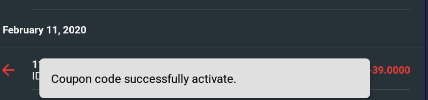
- Confirmation message is issued at the bottom and newly added Zipacoins are added to the Current balance
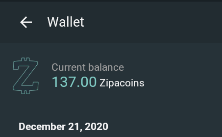
NOTE: Zipacoins balance is applied to the user account so this procedure can be done under any user's System. To activate license on a specific System, user must load particular System and activate license/ service for this System by using Zipacoins current balance.