Automation - enable Geofencing feature
Component:
- Automation
Process:
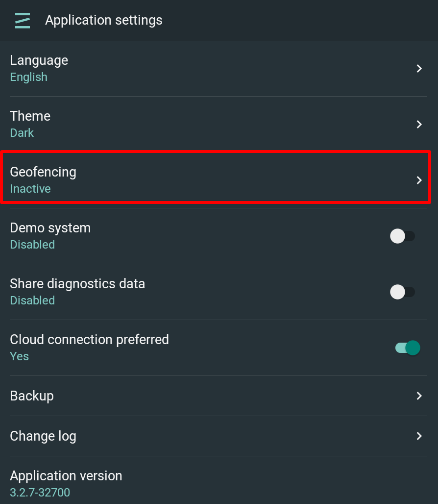
- Select "Settings" from the Application main menu or "Settings" from the lower part of the Mian menu when System is selected
- Select Geofencing option
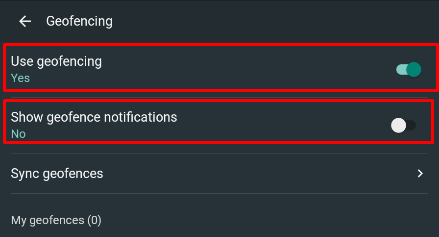
- Enable "Use geofencing" and "Show geofence notifications" (optional) toggle buttons
NOTE: It is required to add location permissions for Zipato app under mobile phone App settings and set it to "Always (all the time)" option