Server firmware upgrade
Component:
- Server
Process:
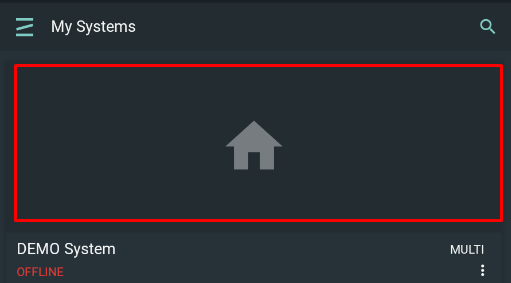
- Select your system by clicking on its widget on the systems list
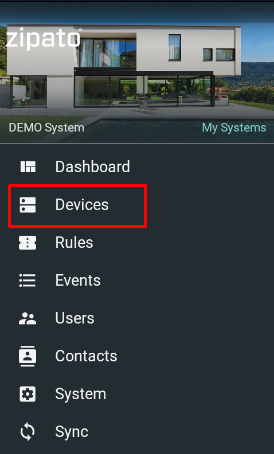
- Select "Devices" from the main menu
- Click three dots at upper right corner of the server card

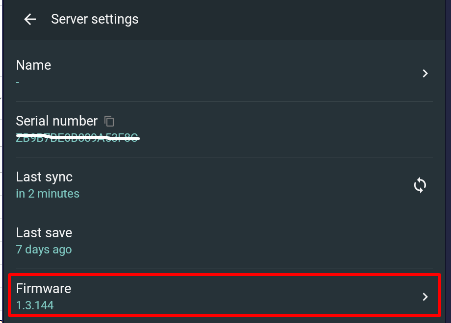
- Open Firmware menu option
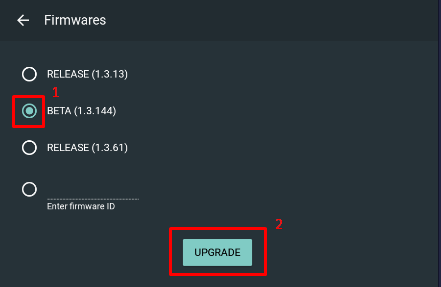
- Select firmware version or input firmware ID and click Upgrade button - both upgrade and downgrade are possible
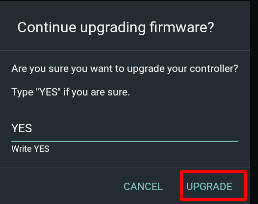
- Input YES and click on Upgrade button
NOTE:
Firmware upgrade will take several minutes and server is not available for using during this process.