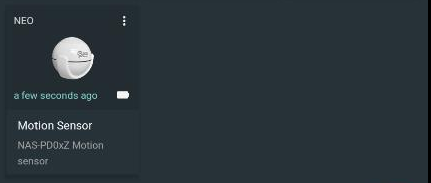
Device - Adding a physical device
Component:
- Device
Process:
- Select a system
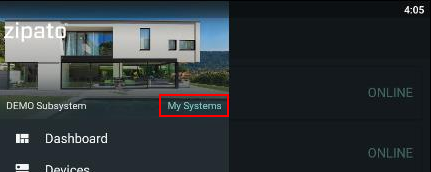
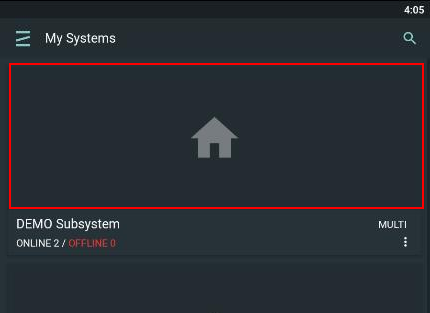
- Select the respective server - Master or Slave server
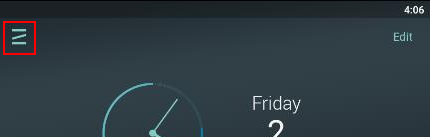
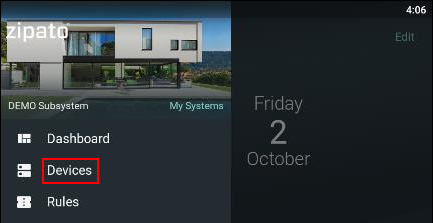
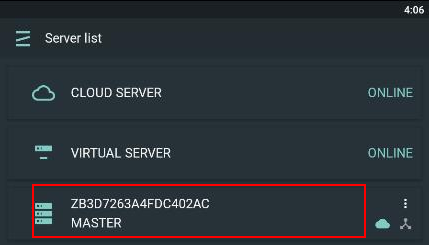
- Click the "+" icon to start device inclusion
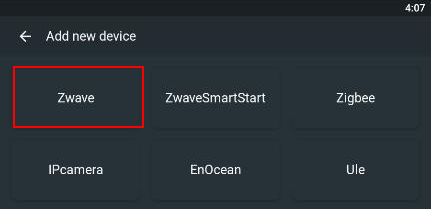
- Select device protocol
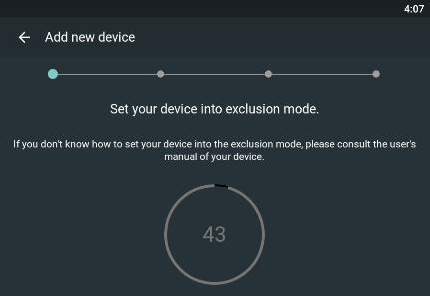
- At this screen put your device into exclusion mode.
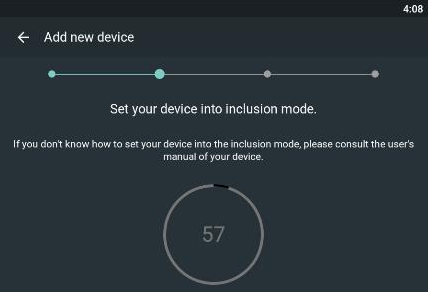
- At this screen put device into inclusion mode.
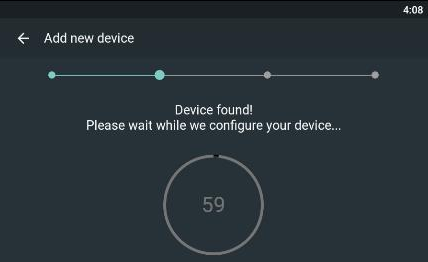
NOTE: Some devices require an input of a PIN code during the inclusion so additional pop-up window may appear.
- Define name for your device. Description is optional.
NOTE: If the name is not specified, "No Name" will be used by default.
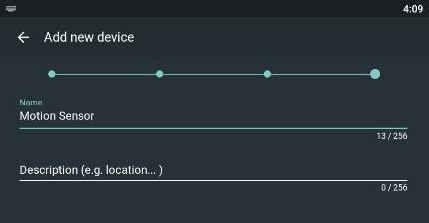
- Save changes.

- After the procedure is done device will be visible in app.