Zipabox P1 Module - Connecting and installing
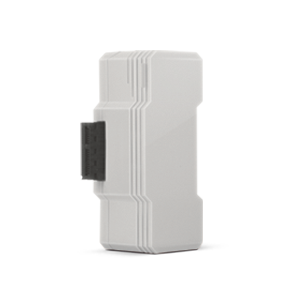
Connect the most popular household electricity meter devices onto your Zipabox. Monitor and control your household energy consumption from anywhere and any-time.
Connecting the P1 Module:
- Power off your Zipabox
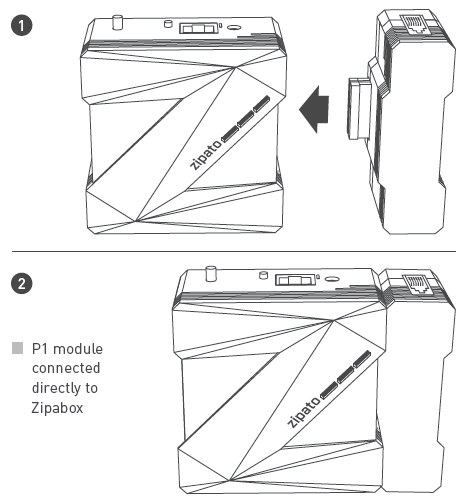
- Connect P1 Module to either left or right side of the Zipabox (if using Power Module or Backup Module, connect P1 Module after those modules)
- Using the supplied cable, connect P1 Module to your meter
- Restore power to your Zipabox. When the top LED on the Zipabox turns solid green, your P1 Module is ready for use
Notice: This device is meant for mounting only with Zipabox. P1 Module must always be installed in expansion slot 2 of Zipabox. If you have other module already connected onto slot 2, you can connect P1 Module on it. Other modules can be attached to P1 Module.
Related Article: Installing and configuring DSMR Electricity Meter via Zipabox P1 Module
Tutorial: