User - Edit the Dashboard
Component:
- User
Process:
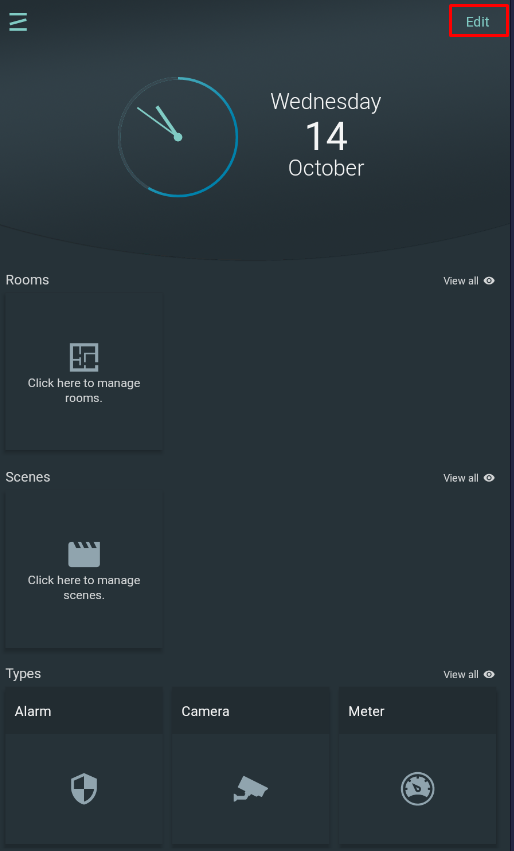
- Select "Dashboard" from the main menu and click on the Edit button
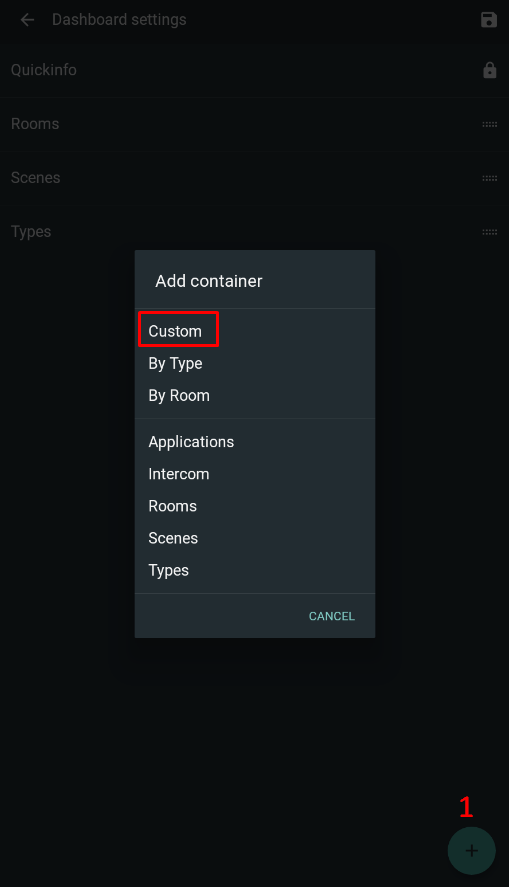
- Click the "+" icon in the lower right corner and select a container to add under the dashboard.
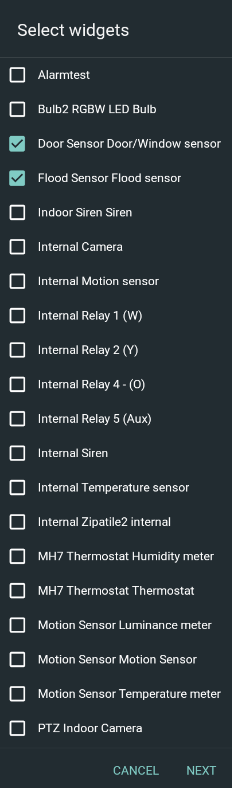
- Select device abilities to add in the custom container and click "Next"
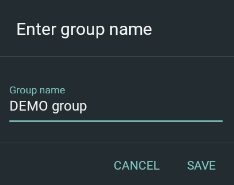
- Enter the group name and click "Save"
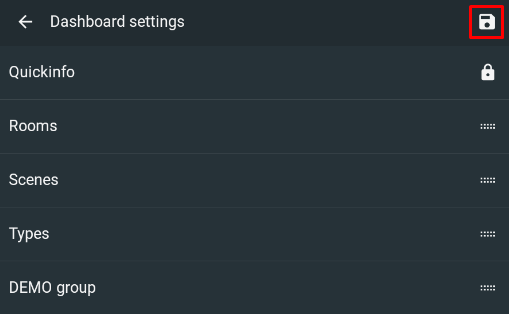
- Click "Save" to create new container
- New container group is created on the dashboard.
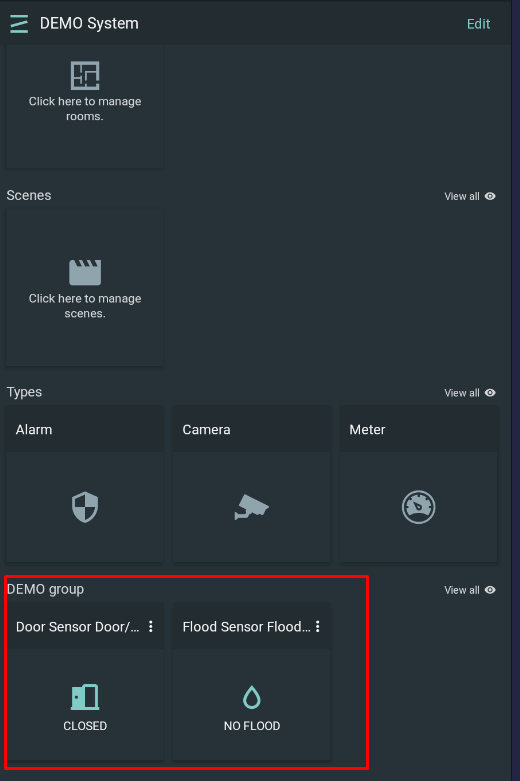
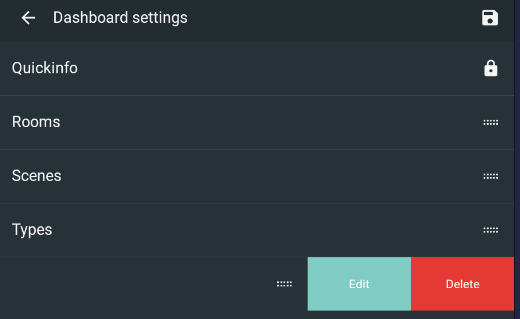
NOTE: Containers can be used to add several user-defined groups under the Dashboard. Each container group can be edited under the Edit button and by clicking on its title to open Edit/ Delete buttons