User - Create a contact
Component:
- User
Process:
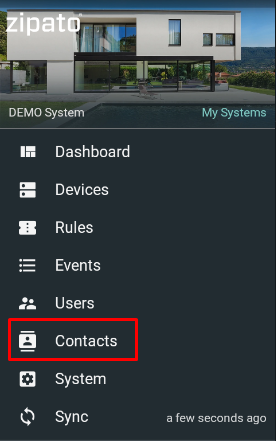
- In the main menu select "Contacts"
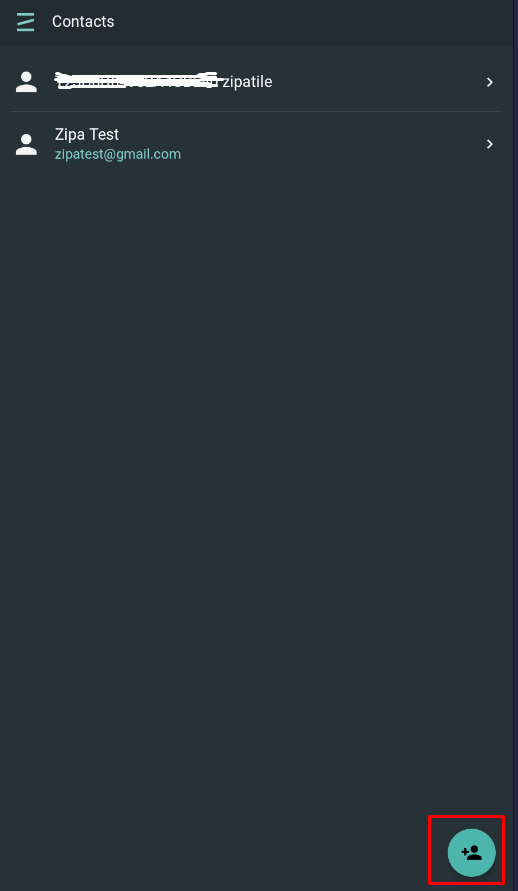
- Click the "+" icon in the lower right corner
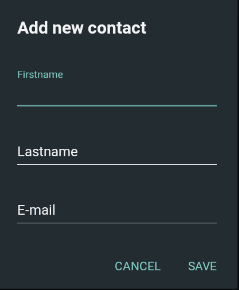
- Specify contact data - Firstname (required), Lastname (optional) and E-mail (required)
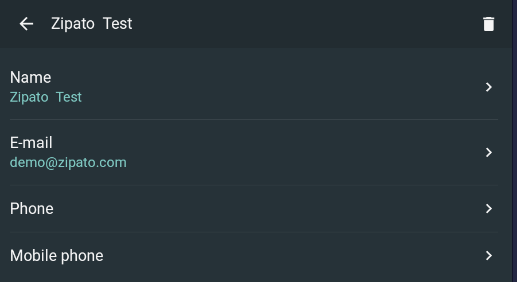
- When new contact is added, it is possible to specify its phone and mobile numbers (optional)
NOTE: Contacts are used for sending messages (e-mail, push notifications).