Zipabox P1 Module - Installing and configuring DSMR Electricity Meter
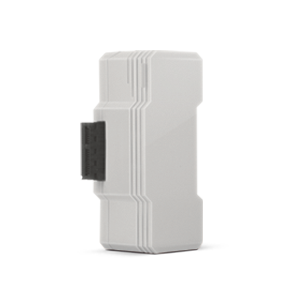
Requirement:
- You need to have P1 Module installed on your Zipabox (please see connecting and installing article)
- Electricity Meter needs to be connected onto the Zipabox P1 Module
Installing and configuring:
- Please install Zipabox P1 Module according (please see connecting and installing article)
- Log in to my.zipato.com, go to “Device Manager”, expand P1 network protocol and click on a “Zipato P1 Module settings” (settings icon next to name of device)
- Click on “Configuration” tab, and select DSMR (Dutch Smart Meter Requirements) protocol version of your Electricity Meter (specified in the manufacturer manual of this device)
- Click “Save” and thereafter click on "Synchronize" button to exchange changes between Zipato Cloud Server and Zipabox
- Refresh the Internet Browser
- Go to the "Device Manager" on the left sidebar
- Click “Add new device” in the “Device Manager” section
- In the "Add new device wizard" click on “P1” logo
- Zipabox will auto detect your DSMR Electricity Meter
- When joining and synchronization is finished please refresh your Internet Browser and your device will be visible in "Device Manage" and "Device browser" section
Notice: How to manage visibility of Electricity Meter in Zipato Control Center, please see "How to Manage Device Names and Visibility in Zipato Control Center" article.
Tutorial: